Showing all 6 resultsSorted by popularity
Genuine Windows 11 and Windows 10 product keys for one PC – Home, Pro and Enterprise. Delivered by email with the official Microsoft download link and free activation help.
Filter by price
Windows
Which Windows key do you need?
All our Windows keys are for one PC and are a one-time purchase. The right edition depends on your PC and on how you use it.
| Edition | Best for | Key features |
|---|---|---|
| Windows 11 Home | Home, students, gaming | New Start menu, Snap layouts, DirectStorage gaming |
| Windows 11 Pro | Work, freelancers, small business | Everything in Home + BitLocker, Remote Desktop, Hyper-V, domain join |
| Windows 10 Pro | Older PCs without TPM 2.0 | BitLocker, Remote Desktop, Hyper-V; 32-bit and 64-bit |
| Windows 10 Enterprise | IT teams and companies | Everything in Pro + Credential Guard, AppLocker, DirectAccess |
Windows 11 or Windows 10?
Choose Windows 11 if your PC has TPM 2.0, Secure Boot and a supported 64-bit processor – you can check with Microsoft's PC Health Check app. If your PC is older, or your software needs Windows 10, choose a Windows 10 key.
Home or Pro?
Home covers everyday use: browsing, Office, streaming and games. Pro adds the tools for work: BitLocker drive encryption, Remote Desktop to reach your PC from another computer, Hyper-V virtual machines, and the option to join a company network. You can upgrade Home to Pro later with a Pro key, without reinstalling.

Want more detail? Read our guides: Windows 11 Home vs Pro and OEM vs Retail product keys.
Windows + Office bundles
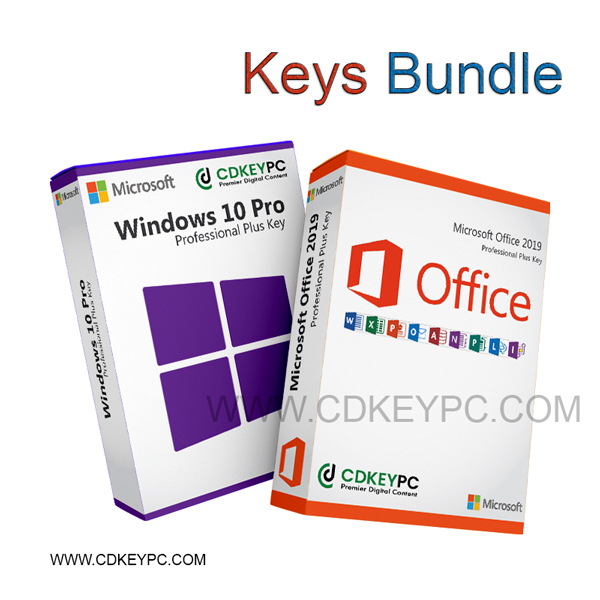
Setting up a new PC? Our bundles give you Windows and Office in one order for less: Windows 11 Pro + Office 2021 Professional Plus and Windows 10 Pro + Office 2019 Professional Plus.
How buying from CDKeyPC works
- Choose your product and pay securely.
- Receive your product key and the official Microsoft download link by email, usually within minutes.
- Install and activate with our step-by-step instructions.
- Need help? Our UK team answers by email, live chat and WhatsApp. Unused keys can be refunded within 14 days – see our returns and refunds policy.
Frequently asked questions
Can I use one Windows key on several PCs?
No. Each key activates one PC. Contact us for a multi-key price if you need several.
Can I upgrade without reinstalling?
Yes. Open Settings > System > Activation > Change product key and enter your new key.
Which languages are available?
All languages. You choose the language when you download Windows from Microsoft.
What if my key does not activate?
Send our support a screenshot of the error. We help you activate or replace the key.