







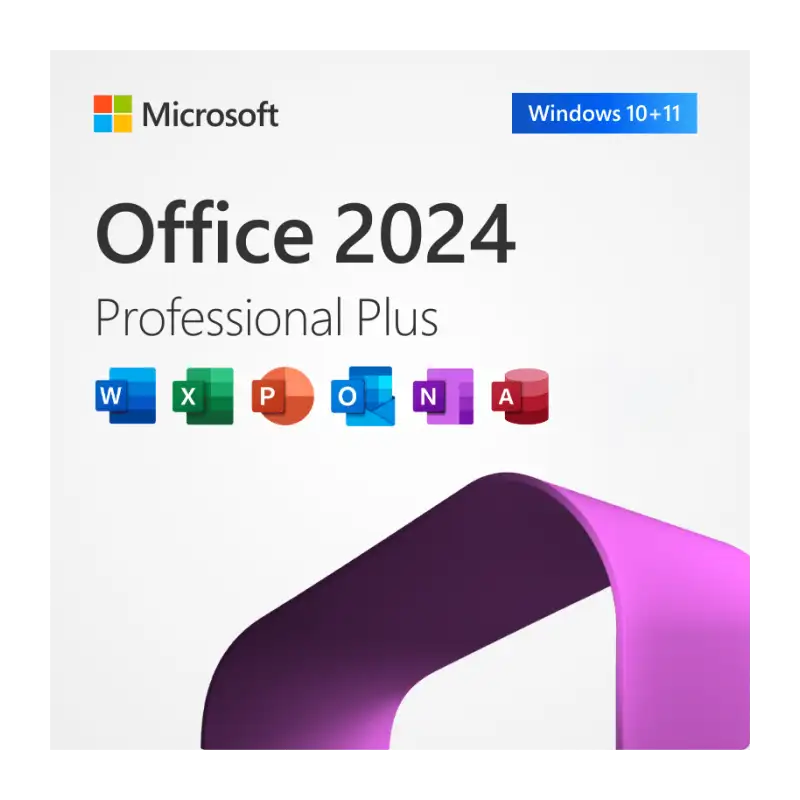


Office Professional Plus 2024 for 1 PC
Office Professional Plus 2024 is the newest one-time-purchase version of Microsoft Office for Windows. It replaces Office 2021, which Microsoft stopped supporting in October 2026. With 2024 you get the classic desktop apps installed on your PC, working offline, with Microsoft security updates until October 2029.
It is the right choice if you want Office for work or study without paying a monthly Microsoft 365 subscription.
Apps included
- Word – documents, reports and letters
- Excel – spreadsheets, formulas and charts, with new functions such as IMAGE and dynamic charts
- PowerPoint – presentations, with recording and improved accessibility tools
- Outlook – email, calendar and contacts
- OneNote – notes, drawing and ink
- Access – databases (Windows only)
Publisher is not part of Office 2024, because Microsoft has retired it.
Office 2024 or Office 2021?
| Office 2021 | Office 2024 | |
|---|---|---|
| Microsoft security updates | Ended October 2026 | Until October 2029 |
| Payment | One-time | One-time |
| Publisher | Included | Not included (retired) |
| Newest Excel and accessibility features | No | Yes |
What you receive
- A 25-character Office Professional Plus 2024 product key by email
- The official Microsoft download link
- Step-by-step install and activation instructions
- Support by email, live chat and WhatsApp
How to install and activate
- Uninstall any older version of Office from your PC first.
- Download Office Professional Plus 2024 from the official Microsoft link in your email and run the installer.
- Open Word or Excel. When asked, enter your 25-character product key.
- Go to File > Account and check that it says “Product Activated”.
System requirements
- Operating system: Windows 10 or Windows 11 (not for Mac or Chromebook)
- Processor: 1.1 GHz or faster, 2 cores
- Memory: 4 GB RAM (64-bit)
- Storage: 4 GB free disk space
- Display: 1280 x 768 resolution
- Internet connection for download and activation
Frequently asked questions
Is this a subscription?
No. You pay once and keep using Office 2024 on your PC. There is no monthly or yearly fee.
Does it work on a Mac?
No. Professional Plus 2024 is for Windows PCs only.
Can I use one key on more than one PC?
No. One key activates one PC. For several PCs, contact us for a multi-key price.
How fast will I get my key?
Keys are sent by email, usually within minutes of payment. Check your spam folder if you can’t see it.
What if the key does not activate?
Contact our support with a screenshot of the error and we will help you activate or replace the key. Unused keys can be refunded within 14 days – see our returns and refunds policy.


Reviews
Clear filtersThere are no reviews yet.